LLMs
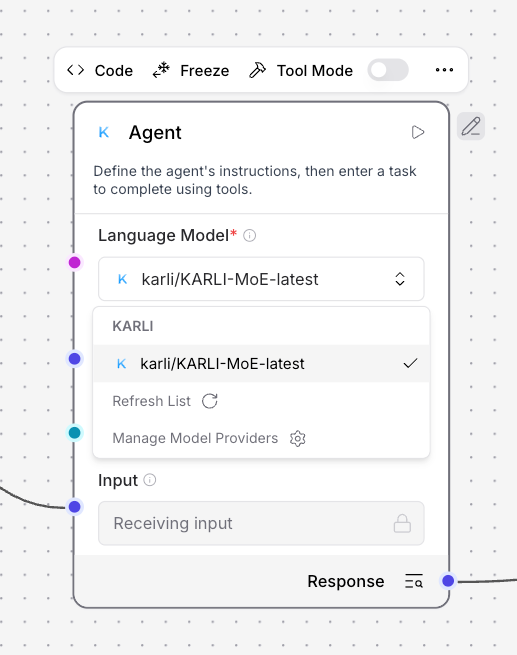
Chat models from KARLI and tokeneurope are exposed as providers alongside the standard set (OpenAI, Anthropic, etc.) and can be selected from any component that accepts a model — most commonly the Language Model and Agent components.
Under the hood, both providers speak an OpenAI-compatible API: components select a model the same way they select an OpenAI model, but requests are routed to the respective provider endpoint.
KARLI Models
| Model | Notes |
|---|---|
karli/KARLI-MoE-latest |
Default KARLI chat model; supports tool calling. |
tokeneurope Models
| Model | Notes |
|---|---|
google/gemma-4-31B-it |
Gemma 4 31B instruction-tuned; supports tool calling. |
openai/gpt-oss-120b |
GPT-OSS 120B; supports tool calling. |
Selecting a Model
Open any model-aware component (e.g. Language Model or Agent), choose KARLI or tokeneurope as the provider, and pick a model from the dropdown. The provider surfaces the shared credentials described in the Model Providers overview.
Provider Filtering
Some Agentlab dropdowns are scoped to a specific provider — for example, the extraction-model picker on the Read File component is filtered to KARLI only (see Data Extraction). Broader, deployment-level provider filtering (for data sovereignty or compliance) is enforced by the surrounding Karli Studio platform rather than by Agentlab itself.